


Brother Printer Not Printing? Common Causes and Repair Solutions
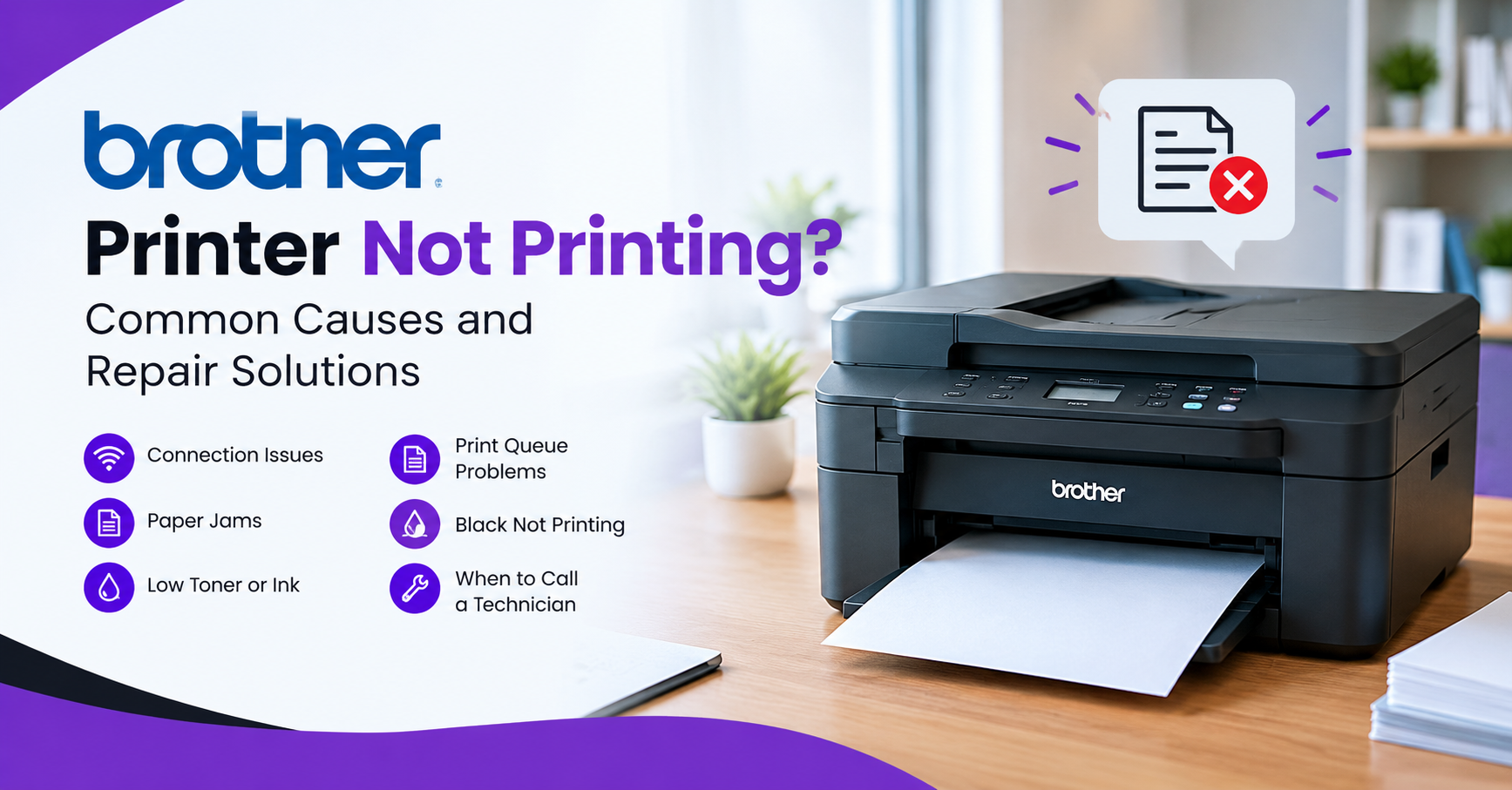
A Brother printer that stops responding and refuses to print can be an inconvenience in a home or office setting. The situation can be exacerbated by the fact that a Brother printer can stop working due to something as simple as the wrong printer settings or a paper jam, but more complicated hardware malfunctions can also be the reason.
Recognising the potential issues can help a person determine whether they can be resolved at home or require the assistance of a professional repair service.
Why Is My Brother Printer Not Printing?
When a Brother printer stops printing, several different issues can be responsible for the malfunction. Before contacting a repair service, make sure the device is online, there are no paper jams, and the printer has enough paper and toner/ink.
1. Printer Is Offline or Not Connected
When a Brother printer is offline or not connected to the computer, it is unable to print documents sent to it. The printer display may show an offline status, or the device may not be connected to the printer’s Wi-Fi network. In the case of a USB connection, the cable may be loose or defective.
Try power cycling the printer and the computer and making sure that the USB port is not faulty. If the printer is connected via Wi-Fi, rebooting the printer and the router can often re-establish the connection. If the issue persists, consult a Brother printer repair service, as the hardware that supports the printer’s connection to the computer may be defective.
2. Paper Jam or Paper Feeding Problem
If a Brother printer is jamming or not picking up paper, documents will not print. Even a small fragment of paper left inside the printer can prevent it from feeding sheets from the paper tray.
A paper jam can often be resolved by opening the printer and removing the jammed pieces of paper. Besides paper jams, improper paper loading can also trigger the printer’s protective mechanisms. If the issue persists after removing the paper jams, the printer may require paper feeding mechanism repairs.
3. Low or Empty Toner or Ink
Depending on the printer model, low or empty toner or ink may also prevent a Brother printer from printing. In some cases, a failing or improperly seated cartridge may also be the reason.
Most Brother printers will alert users when the toner or ink is low, but it may not always be the case. If the printed image is too light, the amount of ink or toner in the printer may be insufficient to produce a darker image. If a new cartridge is not recognized by the printer, the issue may be with the cartridge itself, the printer’s ink recognition system, or the printer hardware.
Brother Printer Not Printing Black
If a Brother printer is not printing black, the most probable reason is that the printer does not have enough black ink or toner. If the printer uses print heads, they may also be clogged, preventing the black color from printing. In the case of inkjet printers, the lack of recent usage may also contribute to the issue.
Running the cleaning utility that comes with the printer or the print-head cleaning function can help determine whether the print heads are the reason for the issue. If the problem is not resolved after printing, cleaning, or replacing the print heads, consult a professional repair service.
Check the Print Queue and Printer Settings
When a printer is not printing, the documents may also be queuing up in the printing system without being delivered to the printer. If the printer is a default printing device, documents may be sent to it even when it is not ready to print.
Check if the printer is connected and operational, and ensure that it is the default printing device in the computer settings. There may also be an issue with the printer drivers; uninstalling and reinstalling them can often resolve the issue. Removing the documents that have issues from the print queue and restarting the printing service can also help.
When Does a Brother Printer Need Professional Repair?
While many printing issues can be resolved without the assistance of a professional repair service, some problems require the expertise of a specialist. A printer may require professional repair if attempts to resolve the issue through troubleshooting have been ineffective.
Other issues that may require the assistance of a professional repair service include the printer jamming frequently, making unusual noises, refusing to print even when there is paper and ink, producing low-quality prints after cleaning, and displaying hardware or mechanical error messages.
A specialist can also determine whether more serious issues with the printer’s paper feeding mechanism are present.
Brother Printer Repair Service Near You
When basic troubleshooting fails to resolve the issue, a printer repair service can be a more economical option than purchasing a new device. A Brother printer service and repair centre can identify issues with the printer’s paper feeding mechanisms, electrical components, printing units, and more.
A professional repair technician can also advise if the issue can be resolved at home or requires in-depth repair.
When the owner of a Brother printer is unable to transport it to a printer repair centre, a “Brother printer repair near me home service” can be a viable option. The technician can conduct an initial evaluation of the printer to determine the extent of the damage and advise if on-site repair is an option.
Get Professional Brother Printer Repair
If a Brother printer fails to print, the cause of the malfunction should be identified, and the appropriate action taken. Continuing to use a printer that has sustained mechanical damage can lead to further complications.
DeviceFixes Brother Printer Repair Service can assist with a variety of printer issues, ranging from paper jams to paper feeding problems and other malfunctions that hinder printing. A professional repair technician can advise on the best way to address the issue without replacing the entire printing device.

 English
 Arabic
 French
 Spanish
 Deutsch
 Turkish
 Dutch
Dutch
 Italiano
 Russian
 Romaian
 Portuguese (Brazil)
 Greek
Greek
 ไทย
ไทย