


Patch Digitizing Services: Clean Edges, Fast Turnaround
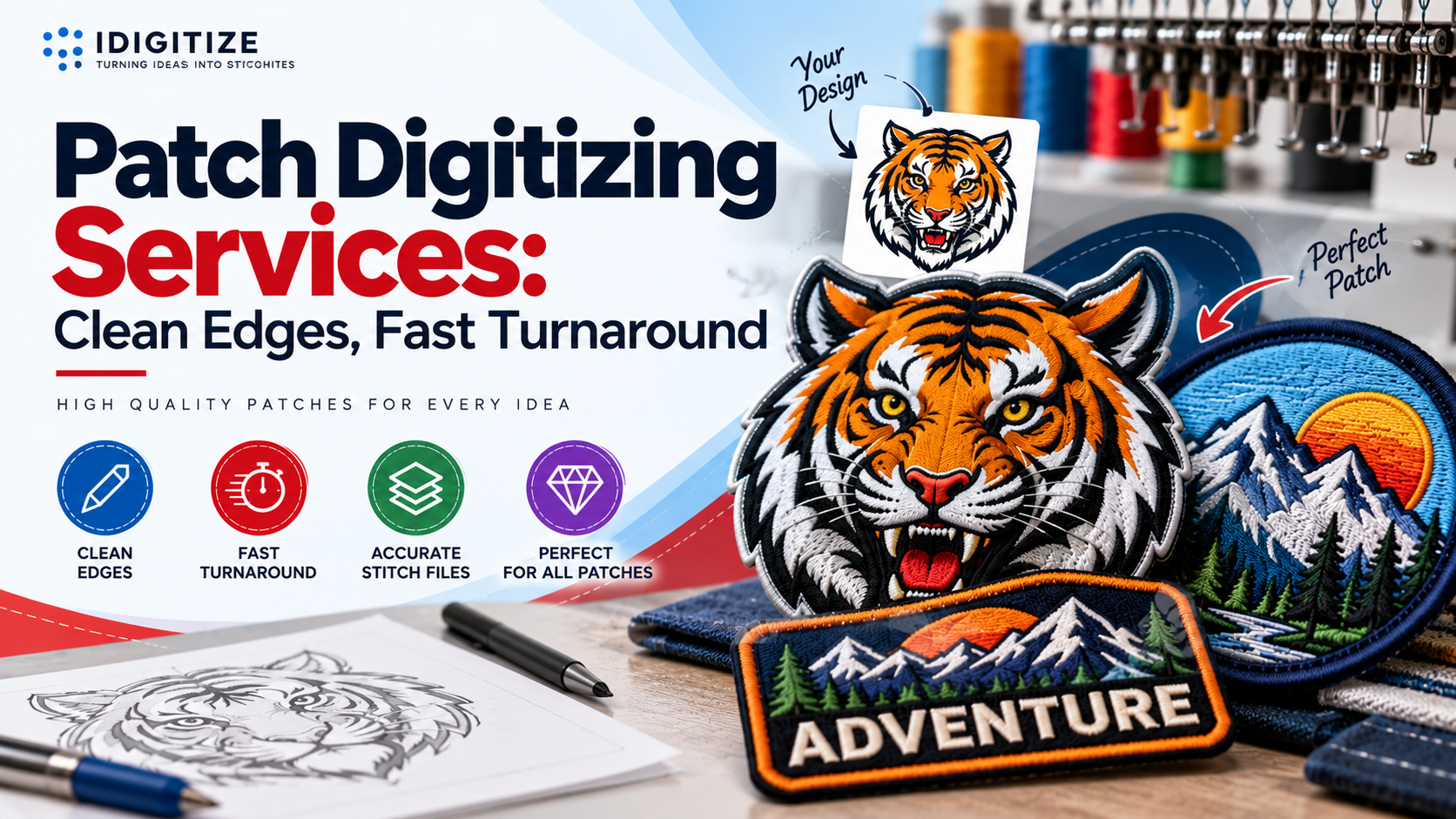
Patch digitizing services convert a logo or illustration into a stitch file built for embroidered patches, where borders, density, and edge control matter as much as the artwork itself. If your patches need to hold their shape after cutting, merrowing, or heat-sealing, premium patch digitizing services give you a file that runs cleanly on the machine and finishes with sharp edges.
What Are Patch Digitizing Services?
Patch digitizing is the manual process of converting artwork into an embroidery file made specifically for patches. A digitizer decides where each stitch goes, in what direction, and in what order, then saves the result in a format your embroidery machine can read.
Patch files differ from standard garment files. On a shirt or cap, the fabric supports the design. A patch has to stand on its own, so the file must build a strong border and stable coverage. At iDigitize, we focus on borders, stitch density, edge compensation, underlay, and stitch sequencing, so the finished patch keeps its shape after it is cut, merrowed, or heat-sealed.
Why Patch Files Need Different Digitizing
A patch behaves differently from a logo stitched onto a garment. Four technical factors explain why.
-
Borders: The edge must be dense enough to cover the cut line or the merrowed edge.
-
Density: Too many stitches make the patch stiff and can pucker the backing fabric. Too few leave gaps.
-
Underlay: Foundation stitches stabilize the fabric and give the top stitches a smooth base.
-
Edge compensation: Thread pulls fabric inward, so the file adjusts shapes to keep the final outline true to your artwork.
Automatic conversion software rarely handles these decisions well. That is why our team digitizes each design by hand.
Types of Patches We Digitize
Different patch styles need different stitch strategies. We prepare files for:
-
Embroidered patches
-
Chenille patches
-
3D puff patches
-
Applique patches
-
Merrowed border patches
-
Bullion and metallic thread patches
-
Woven patches
We can adapt logos and artwork to different patch sizes, shapes, fabrics, and embroidery machines. Each type is stitched differently. For example, a 3D puff patch needs adjusted pathing and density, while a merrowed border patch needs an edge that suits the overlock finish.
How Our Patch Digitizing Services Work
The process has three steps.
-
Upload your design. Send your artwork along with your preferred patch size, placement, and any special notes.
-
We digitize the patch manually. Our digitizers set the stitch sequence, stitch density, and border to suit your patch type.
-
We deliver your file. After a quality check, we send the file in the machine format you need, with embroidery specifications.
Standard delivery takes 4 to 12 hours, and rush orders can be completed in 1 to 4 hours. Small edits are free.
What to Send Before You Order
Better input produces a better file. Before you upload, gather the following:
-
Your artwork: A clean, high-resolution file works best. If your logo is a low-quality image, tell us so we can plan around it.
-
Final patch size: Send exact width and height. The same design stitches differently at 2 inches than at 4 inches.
-
Patch type and border style: State whether you want an embroidered, chenille, 3D puff, or applique patch, and whether it will have a satin or merrowed border.
-
Backing type: Sew-on, iron-on, hook and loop, or peel and stick can all influence how the patch is made.
-
Machine format: We support DST, PES, EMB, EXP, JEF, VP3, HUS, and XXX. If you need another format, tell us which machine you use.
Design Guidelines That Protect Patch Quality
These practical rules help patches stitch cleanly:
-
Keep borders about 2 to 3 mm wide. A border that is too thin may not cover the edge completely.
-
Avoid very small text. Lettering under roughly 4 to 5 mm often becomes hard to read once stitched.
-
Leave at least 1 mm between design elements so neighboring stitches do not merge.
-
Use twill fabric for uniform, tactical, and logo patches, since it gives a stable, even surface.
-
Match your border to the shape. Satin borders suit detailed or irregular shapes, while merrowed borders suit round and square patches.
Common Patch Digitizing Mistakes
Most patch problems trace back to a few avoidable issues.
Cramming too much detail into a small patch. Thin lines and tiny elements disappear under thread. Enlarge the patch or simplify the artwork.
Ignoring the border type. A file made for a satin border will not perform the same way with a merrowed edge. Decide the border before digitizing.
Skipping underlay and edge compensation. Without them, outlines shift and fill areas look uneven.
Using the wrong fabric. Stretchy or loose-weave materials distort under dense stitching. Twill is a safer base.
Sending the wrong file format. A file your machine cannot read wastes production time. Confirm your machine's format first.
What to Look for in Patch Digitizing Services
When comparing patch digitizing services, check for these practical points:
-
Manual digitizing rather than automated conversion, since patches depend on careful decisions about borders and density.
-
Clear turnaround times for both standard and rush orders.
-
Support for your machine format, including the ability to supply files in the format your equipment reads.
-
Revision policy, so small corrections do not become an extra cost.
-
Coverage of your patch type, whether chenille, 3D puff, applique, or metallic thread.
Premium patch digitizing services combine these elements. Our patch service starts at $10 per order, and the final price depends on patch size, complexity, and turnaround speed.
Get Patch Files That Are Ready for Production
A good patch starts with a good file. Borders, density, underlay, and format all affect how the finished patch looks and lasts, and each is easier to get right before stitching begins than after.
At iDigitize, we digitize patches by hand and deliver files for the machines you already use. Our premium patch digitizing services are built for uniforms, workwear, team apparel, and promotional patches. If you have a design ready, upload it to us with your size and patch type, and we will prepare the file for your next run.
Frequently Asked Questions
How much do patch digitizing services cost?
Our patch digitizing services start at $10 per order. The final price depends on patch size, design complexity, and how quickly you need the file. Larger patches with fine detail take more digitizing time than simple logos, so the price rises with the work involved.
How long does patch digitizing take?
Standard patch digitizing at our company takes 4 to 12 hours. If you need a file sooner, we can complete rush orders in 1 to 4 hours. Turnaround depends on design complexity, so highly detailed artwork may take closer to the upper end of the standard range.
Which file formats do you provide for patches?
We provide the major machine embroidery formats, including DST, PES, EMB, EXP, JEF, VP3, HUS, and XXX. We also include a PDF thread color chart. If your machine uses a different format, tell us which machine you have, and we will work from there.
Can small patches hold detailed designs and text?
Yes, within limits. We optimize stitch density and pathing so small details and lettering stay legible. Very fine lines and text under roughly 4 to 5 mm can still blur when stitched, so a slightly larger patch or simpler artwork usually gives a cleaner result.
What if my patch file needs changes?
Small edits are free. Send us your notes on what needs adjusting, and we will revise the file so it works on your machine. This applies to corrections like density adjustments, border tweaks, or minor pathing changes after a test stitch.

 English
 Arabic
 French
 Portuguese
 Deutsch
 Turkish
 Dutch
Dutch
 Italiano
 Russian
 Romaian
 Portuguese (Brazil)
 Greek
Greek
 ไทย
ไทย