


AI Agent Builder Integrations: Connecting Your Tools
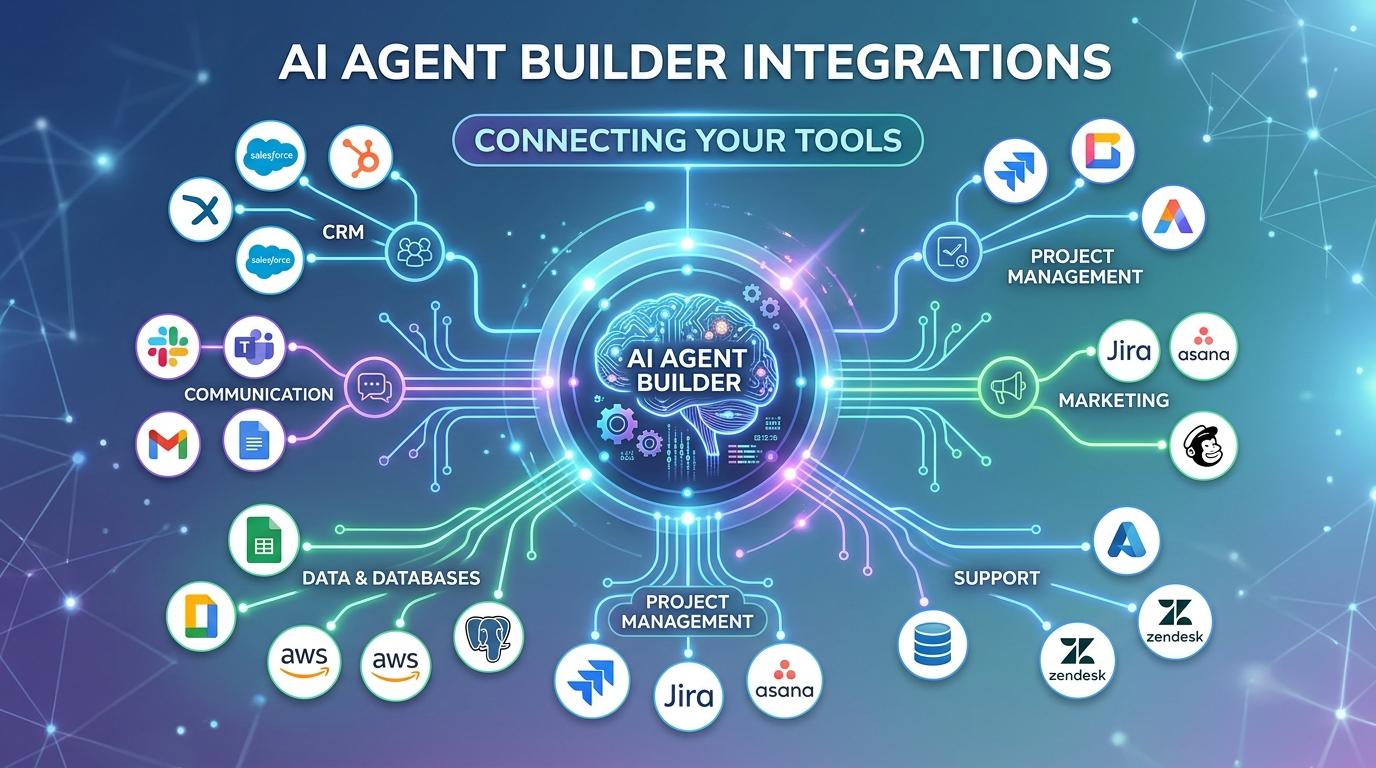
An agent is only as useful as its ability to actually interact with the systems a business depends on daily. Without reliable connections to a CRM, database, support platform or other core tool, even the most thoughtfully designed agent has nothing meaningful to act on. Integrations are therefore one of the most consequential aspects of working with any AI agent builder, and understanding how they work, and where they commonly break down, helps teams build agents that function reliably rather than failing quietly in production.
Why Integrations Matter More Than They First Appear
New users of an AI agent builder often focus heavily on an agent's reasoning and instruction configuration, treating integrations as a secondary technical detail to sort out afterward. In practice, integration reliability frequently determines an agent's real world success far more than the sophistication of its underlying logic. An agent with excellent reasoning but an unreliable connection to its core data source will still fail consistently, while a simpler agent with rock solid integrations often performs more reliably in genuine daily use.
How Integrations Typically Work
Most AI agent builder platforms offer integrations through one of several common approaches: pre built native connectors for popular systems like major CRMs or support platforms, general purpose API connections that let an agent interact with any system offering a compatible interface, and in some cases, direct database connections for agents that need to read or write data without going through an intermediate application layer.
Native connectors typically offer the fastest setup and most reliable performance, since the platform vendor has already handled much of the technical complexity of connecting to that specific system. General purpose API connections offer more flexibility for less common systems but require more careful configuration and testing to ensure reliable operation.
Evaluating Integration Reliability Before Committing
Before building significant agent logic around a specific integration, it is worth testing that connection thoroughly on its own, confirming it handles realistic data volumes, various edge cases, and any authentication requirements without unexpected failures. An AI agent builder project that layers complex agent logic on top of an unverified, potentially fragile integration risks discovering integration problems only after significant development time has already been invested in the agent's broader configuration.
Handling Integration Failures Gracefully
Even reliable integrations occasionally fail, whether due to temporary system outages, authentication token expiration, or unexpected changes in a connected system's data format. A well configured AI agent builder project anticipates this by building explicit handling for integration failures into the agent's logic, ensuring the agent recognizes when a connection has failed and responds appropriately, whether by retrying, escalating to a human, or clearly logging the failure for later investigation, rather than proceeding as though the failed integration succeeded.
Agents that silently proceed despite a failed integration create particularly dangerous failure modes, since they may take actions based on incomplete or stale information without any indication that something went wrong.
Authentication and Security Considerations
Integrations inherently involve granting an agent some level of access to connected systems, making authentication configuration a genuine security consideration within any AI agent builder project. Using scoped credentials that grant only the specific access an agent genuinely needs, rather than broad administrative access that happens to be convenient, significantly limits potential damage if an integration is ever misused or compromised. Regularly reviewing which integrations remain active and whether their granted access still matches actual current need also prevents unnecessary security exposure accumulating over time as agent projects evolve.
Managing Multiple Integrations Within One Agent
More sophisticated agents often need to coordinate across several integrations simultaneously, such as an agent that checks a CRM for customer information, queries a support ticketing system for history, and then sends a response through an email platform. Managing this complexity well within an AI agent builder requires clear logic about the order operations should happen in, how the agent should handle a scenario where one integration succeeds while another fails, and how information gathered from one system feeds into decisions about how to use another.
Testing Integrations With Realistic Data
Testing integrations only with clean, ideal sample data creates a false sense of security. Real integration testing should include the kind of messy, inconsistent or incomplete data an agent will actually encounter in production, since this is precisely where integration failures most commonly reveal themselves. An AI agent builder project tested only against pristine sample data frequently encounters integration failures for the first time only after deployment, when the cost of discovering the problem is considerably higher.
Final Thought
Integrations form the practical backbone of what any AI agent builder project can actually accomplish, often mattering more to real world reliability than the sophistication of an agent's underlying reasoning. Thoroughly testing each integration independently, building explicit handling for integration failures, applying appropriately scoped security access, and testing with realistic rather than ideal data together produce agents that function reliably in practice rather than only in a clean, controlled demo environment.

 English
 Arabic
 French
 Spanish
 Portuguese
 Deutsch
 Turkish
 Dutch
Dutch
 Italiano
 Russian
 Romaian
 Portuguese (Brazil)
 ไทย
ไทย