
IPTV Service for Home Entertainment: How to Plan, Set Up, and Manage Your Streaming Experience

A home entertainment setup should be convenient, easy to manage, and suitable for the people who use it. Some households prefer watching live television together, while others enjoy different programmes on separate devices. As internet access and connected devices have become common parts of daily life, many viewers have started exploring television services that operate through online connections.
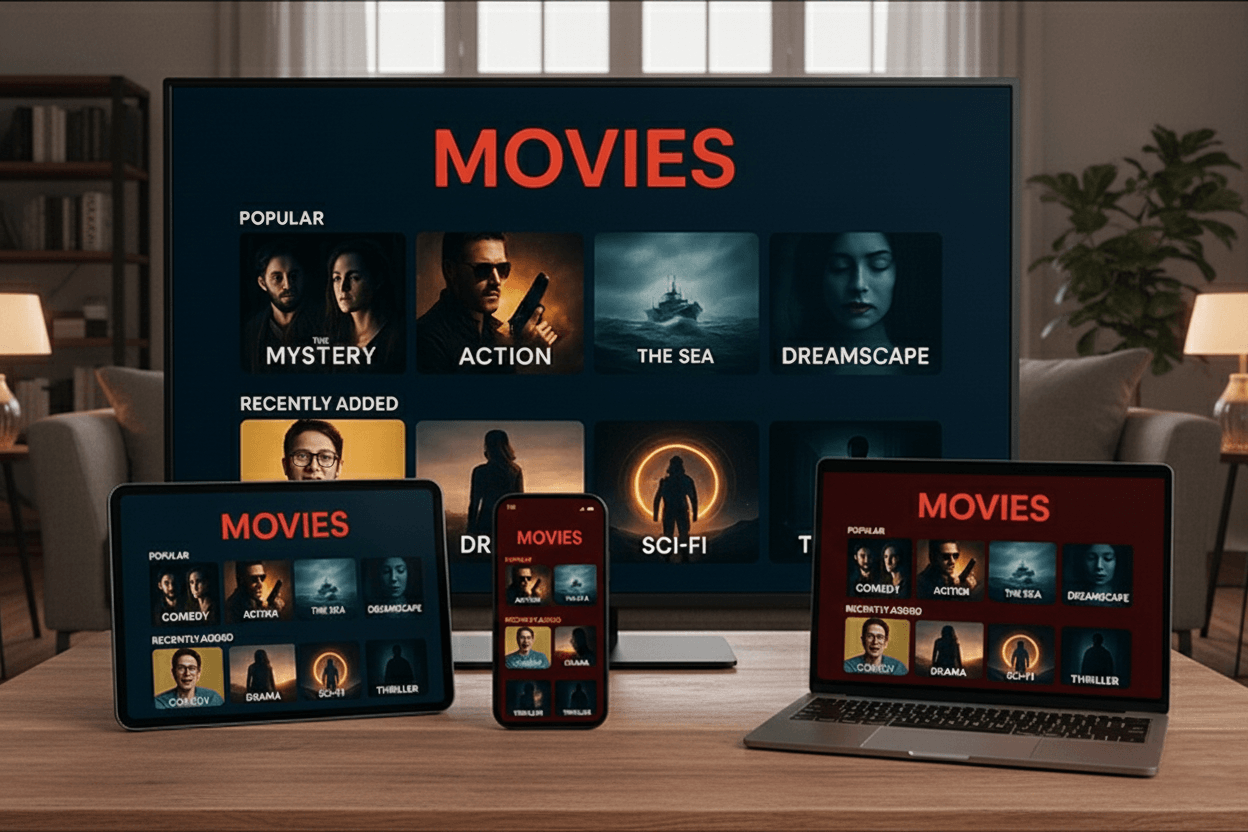
An IPTV Service is one option that delivers authorised television content over an internet connection. Depending on the provider and package, viewers may have access to live broadcasts, on-demand content, and other digital entertainment features.
However, choosing a service is only one part of creating a good experience. You also need to prepare your equipment, understand the application, manage your subscription, and know what to do when a technical problem appears.
This article looks at IPTV from the perspective of everyday home use. It covers practical preparation, installation considerations, account management, streaming habits, and ways to make your entertainment setup more organised.
1. Plan Your Home Entertainment Setup Before Subscribing
A little planning can help you avoid unnecessary costs and technical complications. Before choosing an IPTV package, identify where you intend to watch television and which devices will be involved.
For example, a household may use a smart television in the living room and a compatible streaming device in another room. Someone who travels regularly may also be interested in accessing permitted content through a supported mobile device.
Make a list of your existing equipment. Include the television model, operating system, streaming devices, router location, and available internet connection. This information will help you determine whether a provider supports your setup.
Next, consider the people who will use the service. Some viewers may prefer a simple remote-control experience, while others may be comfortable using search features and application settings.
Think about the content requirements as well. A family might need news, regional entertainment, and children's programmes, while another household may be more interested in films and documentaries.
When researching an IPTV Subscription, compare these requirements with the features listed in the package.
Planning in advance helps you choose a suitable solution without purchasing devices or subscription features that you do not need. It also gives you a clearer understanding of what a provider must support before you decide to pay.
2. Prepare Your Network for Internet-Based Television
Your home network is an important part of any internet television setup. Even when an IPTV application is installed correctly, weak Wi-Fi or an unstable connection can affect playback.
Begin by checking the internet speed available at the television. Run a speed test close to the device rather than relying entirely on the speed reported on your internet plan.
The router's location can influence connection quality. Keep it in an open area and avoid placing it behind large furniture or inside a closed cabinet. If your home has several floors, the television may receive a weaker wireless signal when it is far away from the router.
Where supported, a wired Ethernet connection can be a useful alternative. It can reduce wireless interference and provide a more stable connection for stationary entertainment devices.
You should also think about household internet usage. Multiple video calls, game downloads, cloud backups, and streaming sessions can place additional demands on the network.
If playback becomes unstable, do not immediately assume the provider is responsible. Check other online services on the same device and compare performance across different network conditions.
A carefully prepared network cannot eliminate every possible streaming problem, but it can reduce common home-connection issues and make your IPTV Service easier to evaluate.
3. Understand the Installation Process and Application Features
Installation should be a straightforward process when your device is supported and the provider supplies clear instructions.
First, check whether the service uses its own application or relies on a compatible third-party application. Ask which operating systems and device models are supported, and follow the provider's official installation guidance.
Avoid downloading unfamiliar applications from random websites. Unverified software can create privacy and security risks, particularly when it requests access to account details or other personal information.
After installing an authorised application, follow the account activation instructions. Keep your login information private and avoid sharing credentials through public forums or unofficial support channels.
Once the application is working, spend some time understanding its layout. Explore the available categories, search functions, programme descriptions, and settings. Some applications may offer additional features such as favourites or viewing history, although availability varies.
For a shared household, it can be helpful to organise commonly watched channels using the application's supported features. This makes it easier for different family members to find their preferred content.
A well-explained installation process is a useful quality to look for in an IPTV Provider. The provider should make it clear which software to use and where customers can obtain assistance if activation does not work as expected.
4. Choose Content That Matches Your Regular Viewing Habits
Once the service is ready, the next step is to understand its content catalogue. A large selection may offer many possibilities, but people usually return to a smaller group of favourite programmes and channels.
Think about what you watch during a normal week. Perhaps you follow the morning news, watch films on weekends, enjoy documentaries, or prefer entertainment programmes after dinner.
Create a short list of your priorities and compare it with the provider's official content information. Check whether the channels are included in your selected package and whether they are available in your location.
Also distinguish between live television and on-demand entertainment. Live television follows broadcast schedules, while on-demand services allow viewers to select supported programmes from an available library.
The two formats are useful in different situations. A viewer who enjoys scheduled broadcasts may value a strong live-channel selection. Someone with an unpredictable routine may appreciate having access to authorised on-demand titles.
Remember that catalogues can change because content licences and distribution agreements are not permanent in every case.
A responsible IPTV Service should explain the type of content available and communicate relevant restrictions. Checking these details can help prevent disappointment after subscribing.
5. Organise Access for Different Members of the Household
A shared television setup can become confusing when every family member has different preferences. One person may watch news, another may prefer films, and someone else may use the television mainly for sports or children's entertainment.
Organising the viewing experience can make the service more convenient. Where the application supports favourites, categories, or profiles, use these features to help household members locate their preferred content.
You should also review account connection limits. An IPTV Subscription may allow installation on several compatible devices while limiting the number of active streams. These restrictions are important when multiple people expect to watch at the same time.
Check the provider's policies before allowing additional devices to access the account. Avoid assuming that every family member can stream independently under one package.
Parents should also review available parental controls and device-level safety settings when children use the entertainment setup. The specific controls depend on the application and device.
Keep login credentials private and use secure passwords. If the service supports separate user accounts, follow its instructions for managing access.
Good household organisation does not require complicated technical knowledge. A clear understanding of supported features and account limits can make shared entertainment easier to manage.
6. Create a Simple Routine for Maintaining Your Streaming Setup
Connected devices need occasional maintenance. Keeping your equipment updated and organised can help prevent avoidable problems.
Start by checking for operating-system and application updates. Install updates through official sources and review any important notices from the provider. Updates can improve compatibility, address security concerns, and correct software issues.
Restarting a device or router may help when a temporary connection problem occurs, but it should not become the only solution for repeated interruptions.
If a specific channel fails to load, check whether other channels work. If everything is affected, investigate the home network first. This simple process can help narrow down the cause of the problem.
You should also review your internet plan when several household devices use streaming services simultaneously. An older router or weak wireless coverage may become more noticeable as the number of connected devices increases.
Keep a record of recurring technical issues. Note the affected device, time, and error message before contacting customer support. Providing these details can make troubleshooting more effective.
A professional IPTV Provider should be able to explain its recommended maintenance steps and provide a way to report service problems.
Looking after your equipment is a small but useful part of maintaining a comfortable home entertainment environment.
7. Manage Subscription Renewals and Future Changes Carefully
After the initial setup, subscription management becomes part of your regular digital routine. It is important to know when your package expires, how payments are processed, and what happens when you decide to change or cancel your plan.
Keep a copy of your purchase confirmation and subscription details. These records help you remember the package duration, price, and payment date.
Check whether automatic renewal is enabled. Some services renew subscriptions automatically, while others require the customer to make another payment manually.
Before upgrading to a longer package, review the service again. Consider whether the content still meets your needs, whether the application works properly, and whether customer support has been helpful.
Read the cancellation and refund terms before making a commitment. Different providers have different policies, and the applicable conditions should be understood in advance.
Also review changes to supported devices and content availability. Application updates or licensing changes may affect the features offered by a service over time.
A sensible subscription routine helps you control entertainment expenses and avoid paying for an option that you no longer use.
8. Know What to Check When You Experience Streaming Problems
Even a properly installed internet television service can occasionally experience problems. Instead of making random changes, follow a simple troubleshooting process.
If a stream does not start, first check whether the device is connected to the internet. Open another trusted online application to see whether the connection is working.
Next, restart the supported application and check whether it has any available updates. If the problem continues, restart the device according to its normal instructions.
Try another channel included in your package. When only one channel is affected, the issue may be related to that particular content source rather than your entire home setup.
If several services are experiencing network problems, contact your internet provider. If other internet applications work normally but your IPTV platform does not, report the issue to the IPTV company's official support team.
Avoid sharing passwords or payment details while seeking technical help. Customer support should only request information necessary to identify your account or diagnose the problem.
A clear troubleshooting routine can save time and help you identify the right place to seek assistance.
Conclusion
Creating a convenient home entertainment setup involves more than choosing an internet television package. Device compatibility, network preparation, content selection, account management, and regular maintenance all contribute to the overall experience.
A suitable IPTV Service should fit the way your household watches television and provide clear information about its features and limitations. Before selecting an IPTV Subscription, check your equipment, understand the content available in your region, and review the provider's payment conditions.
A dependable IPTV Provider should also explain installation requirements, supported devices, simultaneous connection limits, and customer assistance arrangements.
By planning your setup carefully and understanding how the service works, you can make a more informed decision and create a home entertainment arrangement that is easier to use and manage.


