


Dropped AirPods in Water? Reliable Fixes from Repair Specialists
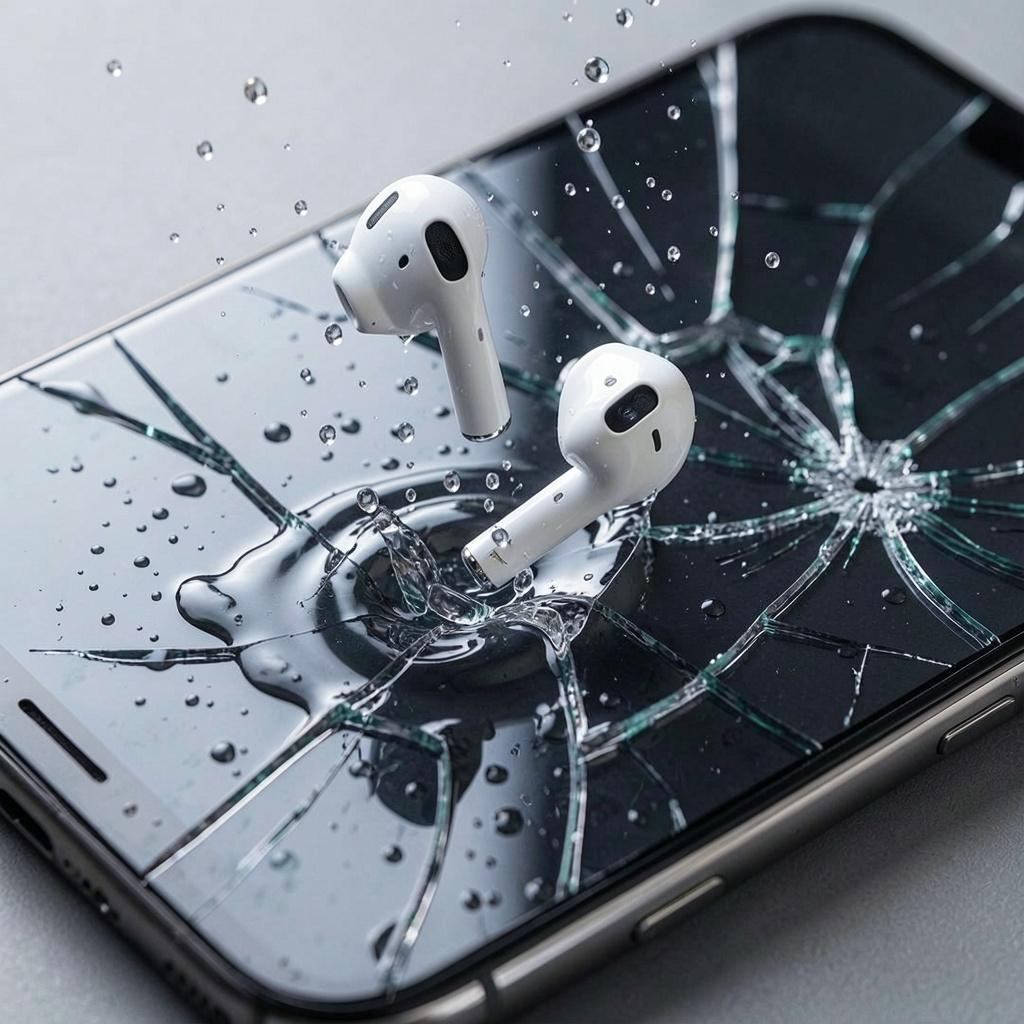
Accidentally Dropped AirPods in Water? You're not alone. Whether your AirPods slipped into a sink, washing machine, swimming pool, or even a toilet, water exposure is one of the most common causes of earbud damage. While this situation can be stressful, acting quickly and following the correct recovery steps can significantly improve the chances of saving your AirPods.
Although newer AirPods models offer limited water resistance, they are not waterproof. Water can seep into the speaker grills, microphones, charging contacts, and internal circuitry, leading to audio distortion, charging issues, battery problems, or complete device failure. The good news is that many cases of water damage can be minimized if handled properly from the very beginning.
If you've recently Dropped AirPods in Water, this detailed guide will explain what happens when AirPods get wet, the immediate steps you should take, common mistakes to avoid, warning signs of serious damage, and when professional repair specialists should inspect your device.
At our repair shop, we provide quick and lasting repairs for smartphones, tablets, laptops, gaming consoles, and accessories, including diagnostics for water-damaged devices. Our goal is to help customers restore their devices at an affordable price while extending their lifespan whenever possible.
Are AirPods Waterproof?
One of the biggest misconceptions is that AirPods are waterproof.
In reality, most AirPods are only designed with limited water resistance.
This means they can generally handle:
- Light sweat
- Small splashes
- Light rain
However, they are not designed for:
- Swimming
- Full water immersion
- Washing machine cycles
- Heavy rain exposure
- Ocean water
- Bathtubs
- Sinks
Water resistance gradually decreases as the device ages due to normal wear and tear.
What Happens When AirPods Get Wet?
Water entering the earbuds may affect several delicate internal components.
Possible areas affected include:
- Speakers
- Microphones
- Bluetooth antenna
- Battery
- Charging contacts
- Sensors
- Internal circuit board
Initially, the AirPods may appear to function normally, but hidden moisture can begin corroding components over time.
This delayed damage is one reason why professional inspection is often recommended after significant water exposure.
Common Ways AirPods Get Water Damaged
Many accidents happen during everyday activities.
Examples include:
Dropping Them in the Sink
Removing AirPods while washing your hands often leads to accidental drops.
Washing Machine
Leaving AirPods inside clothing pockets before laundry is one of the most frequent causes of severe water damage.
Swimming Pools
AirPods can easily fall out near or into the water.
Heavy Rain
Unexpected weather can expose both the earbuds and charging case to moisture.
Bathroom Accidents
Devices commonly slip into sinks or toilets while getting ready.
Kitchen Spills
Cooking or washing dishes increases the risk of accidental water exposure.
Why Water Is Harmful to Electronics
Electronic devices rely on extremely small electrical pathways.
Water creates problems by:
- Causing short circuits
- Triggering corrosion
- Interrupting electrical signals
- Damaging batteries
- Weakening speaker components
Even after moisture evaporates, minerals left behind may continue damaging internal circuits.
Immediate Steps After Dropped AirPods in Water
The first few minutes are the most important.
Quick action greatly improves recovery chances.
Remove the AirPods Immediately
Retrieve the AirPods from the water as quickly as possible.
The longer they remain submerged, the greater the likelihood of internal damage.
Dry the Exterior
Use a clean microfiber cloth or lint-free towel.
Carefully wipe away visible moisture without pressing water deeper into the speaker openings.
Remove Them from the Charging Case
If the earbuds were inside the charging case:
- Remove both earbuds.
- Dry each component individually.
- Leave the charging case open.
Proper airflow helps moisture evaporate more effectively.
Do Not Charge Them
Never place wet AirPods into the charging case.
Avoid:
- USB charging
- Wireless charging
- Charging immediately after drying the surface
Electricity and moisture can create permanent internal damage.
Allow Natural Drying
Place the AirPods in a cool, dry, well-ventilated location.
Allow sufficient time before testing or charging them.
Patience often prevents costly repairs.
Mistakes That Make Water Damage Worse
Many users unintentionally increase the damage while trying to fix their AirPods.
Avoid the following.
Using a Hair Dryer
Heat can:
- Damage batteries
- Warp plastic housing
- Melt adhesives
- Push moisture deeper inside
Placing AirPods in an Oven
High temperatures permanently damage sensitive electronic components.
Never attempt this.
Using a Microwave
Microwaves and electronics are an extremely dangerous combination.
This can:
- Destroy the AirPods
- Cause sparks
- Damage the appliance
Charging Too Soon
Charging before complete drying increases the risk of:
- Short circuits
- Battery damage
- Charging failures
Excessive Shaking
Violently shaking the AirPods may spread moisture throughout the internal components.
Gentle handling is always safer.
Should You Put AirPods in Rice?
The rice method has become a popular internet suggestion.
However, repair professionals generally do not recommend relying on it.
Rice may:
- Absorb minimal surface moisture
- Leave dust particles inside openings
- Delay more effective drying methods
Better alternatives include:
- Air drying
- Silica gel packets
- Professional moisture removal equipment
Rice is not harmful in every situation, but it should not be considered the best solution.
How Long Should You Let AirPods Dry?
Proper drying requires patience.
General recommendations include:
- At least 24 hours
- Preferably 48 hours after complete submersion
The charging case often requires additional drying time because moisture can remain trapped around charging contacts.
Never rush this process.
Signs Your AirPods May Have Survived
After drying, inspect your AirPods carefully.
Positive signs include:
- Clear sound quality
- Stable Bluetooth connection
- Proper charging
- Working microphones
- Responsive touch controls
- Accurate battery readings
Continue monitoring them over several days because hidden corrosion may develop later.
Symptoms of Water Damage
If you've Dropped AirPods in Water, watch for these warning signs.
Distorted Sound
You may notice:
- Crackling
- Buzzing
- Reduced volume
- Muffled audio
Water trapped inside speaker components often causes these problems.
Charging Issues
Symptoms include:
- Slow charging
- Charging interruptions
- One AirPod not charging
- Charging case failure
Bluetooth Problems
Water damage can affect wireless communication.
Possible symptoms:
- Pairing failures
- Random disconnections
- Reduced connection range
Poor Battery Performance
Water may damage lithium-ion batteries.
Signs include:
- Fast battery drain
- Random shutdowns
- Incorrect battery percentages
Microphone Problems
Calls may become:
- Quiet
- Distorted
- Filled with static
Voice assistants may also stop responding correctly.
Sensor Malfunctions
AirPods contain several internal sensors.
Damage may cause:
- Ear detection failures
- Automatic pausing issues
- Gesture recognition problems
Does the Charging Case Get Damaged Too?
Absolutely.
Many users focus only on the earbuds while overlooking the charging case.
The case contains:
- Charging circuitry
- Battery
- LED indicator
- Charging contacts
Water entering the case may prevent the AirPods from charging properly even if the earbuds themselves remain functional.
Always inspect and dry the charging case thoroughly after water exposure.
Fresh Water vs Salt Water Damage
Not all liquids affect electronics equally.
Fresh Water
Fresh water generally causes less damage if the AirPods are dried quickly.
Salt Water
Salt water is significantly more destructive because it:
- Accelerates corrosion
- Leaves conductive residue
- Damages charging contacts
- Continues corroding components after drying
Professional cleaning is strongly recommended following saltwater exposure.
Other Liquids That Can Damage AirPods
Besides water, several household liquids present additional risks.
These include:
- Coffee
- Tea
- Juice
- Soda
- Milk
- Soap water
- Sports drinks
These liquids leave behind sticky residue that can interfere with speakers, microphones, and charging contacts.
Professional internal cleaning may be necessary in these situations.

 English
 Arabic
 French
 Spanish
 Portuguese
 Deutsch
 Turkish
 Dutch
Dutch
 Italiano
 Russian
 Romaian
 Portuguese (Brazil)
 Greek
Greek