


How to Improve IPTV Streaming Quality Without Changing Your Device
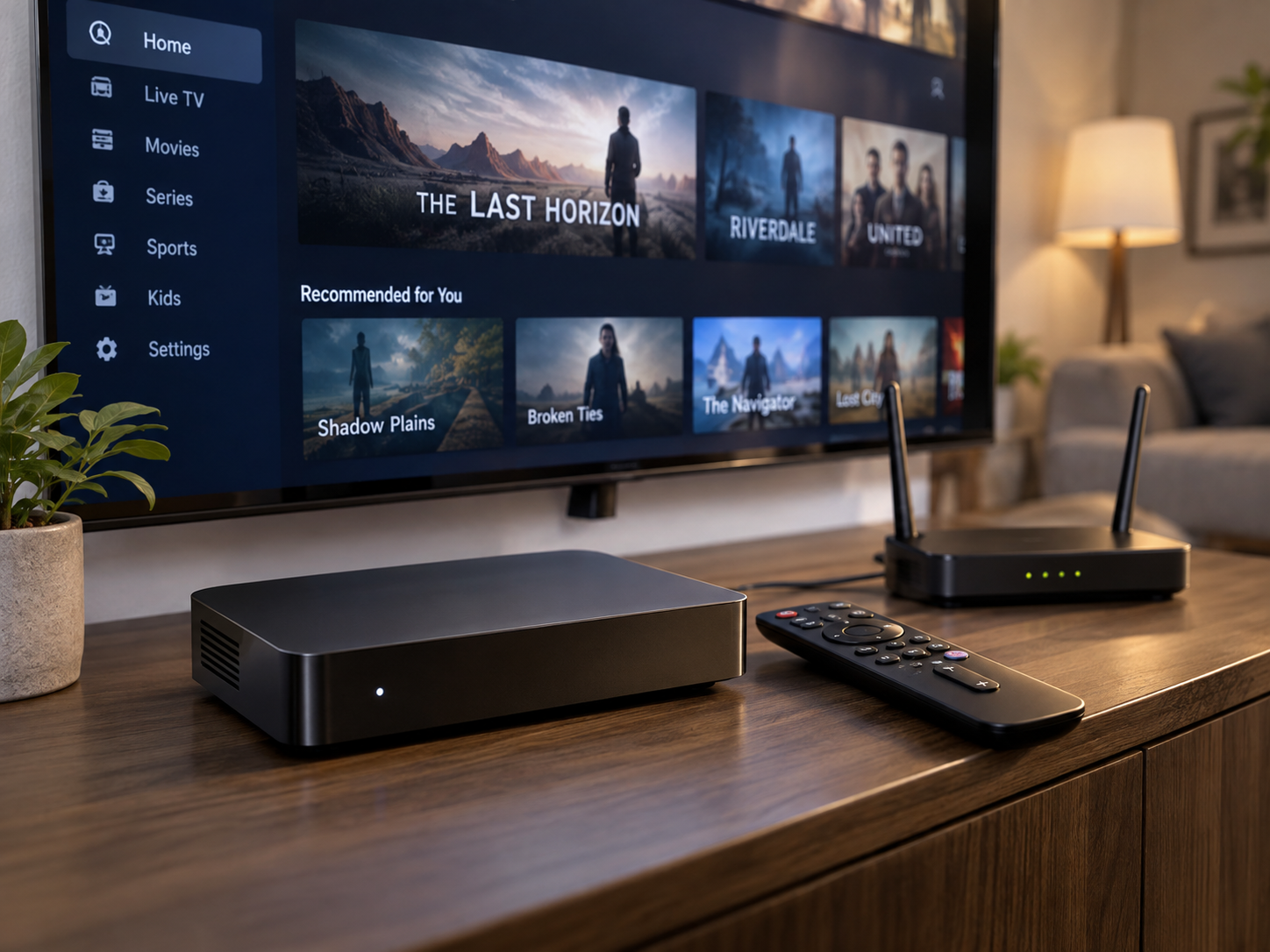
Good streaming quality does not always require buying a newer television, streaming box, or smartphone. In many cases, IPTV performance depends more on the surrounding setup than on the device displaying the content. Internet speed, Wi-Fi conditions, application settings, network congestion, and even the position of a router can influence how smoothly video plays.
This makes IPTV troubleshooting an interesting practical exercise. Instead of immediately replacing hardware, viewers can examine the different parts of their setup, test individual variables, and identify where performance is being lost. A few simple adjustments can sometimes make a noticeable difference without requiring a new device or major investment.
Start by Checking the Internet Connection
Before changing anything, check the internet connection itself. Streaming video requires a continuous flow of data, so an unstable connection can cause buffering even when the advertised internet speed appears sufficient.
A useful first step is to run a speed test from a device connected to the same network. It can also help to test the connection at different times of day. If performance drops during busy periods, network congestion may be contributing to the problem.
If other online activities are also unusually slow, the issue may not be related to the IPTV application. Checking the connection first helps separate a general network problem from a streaming-specific issue.
Improve the Network Before Replacing Hardware
One of the easiest mistakes is assuming that poor streaming automatically means the television or streaming device needs to be replaced. In reality, network conditions can have a much greater impact.
If the connection is otherwise adequate, viewers can experiment with router placement, Wi-Fi settings, and wired connections. A reliable service still depends on a stable path between the content source and the viewing device, so improving that path can be more useful than purchasing new hardware.
Try moving the router to a more open and central location if possible. Keeping it away from thick walls, large electronic equipment, and enclosed cabinets can improve wireless coverage.
Test Ethernet Instead of Wi-Fi
Wi-Fi is convenient, but a wired Ethernet connection can provide a more consistent network path.
If the IPTV device has an Ethernet port, connecting it directly to the router can be a useful troubleshooting experiment. Compare the streaming performance before and after the change.
If buffering decreases significantly over Ethernet, the problem may be related to wireless interference, distance, or signal strength rather than the IPTV device itself.
This type of simple comparison is valuable because it isolates one variable without requiring expensive equipment.
Reduce Network Congestion
A fast internet connection can still struggle when too many devices are using it simultaneously.
A household may have several phones, computers, televisions, gaming consoles, security cameras, and smart devices connected at the same time. Cloud backups, large downloads, video calls, and other high-bandwidth activities can compete with IPTV streaming.
Try temporarily pausing large downloads or unnecessary streaming sessions and see whether IPTV performance improves.
If the difference is noticeable, the issue may be network congestion rather than insufficient overall internet speed.
Restart the Router and Streaming Device
Restarting network equipment is simple, but it can resolve temporary problems.
Routers and streaming devices can remain active for long periods, and occasional software or connection issues may develop over time. Restarting them gives the network connection a fresh start.
For a proper test, turn off the relevant equipment, wait briefly, and then restart it. Allow the router to reconnect fully before testing the IPTV application again.
Although this is not a permanent solution to every problem, it is a useful first troubleshooting step.
Check the IPTV Application
The application responsible for playing IPTV content can also affect performance.
Make sure it is updated to the latest version supported by the device. Developers may release updates that address bugs, improve compatibility, or optimize playback.
If problems started after an application update, note the timing. This can provide useful information when determining whether the issue is related to software rather than the network.
It can also help to close other applications running in the background. Some devices have limited memory or processing resources, and unnecessary background activity can affect overall performance.
Adjust Video Quality When Necessary
Higher video resolution requires more data.
If an IPTV application provides quality settings, try reducing the resolution temporarily. For example, switching from an especially high-resolution stream to a lower one can help determine whether the network is struggling to maintain the required data rate.
This should be treated as a diagnostic test rather than an automatic permanent solution.
If lower-quality video plays smoothly while higher-quality video repeatedly buffers, the result provides useful evidence. The network or service may not be able to consistently deliver the higher data requirement.
Check Wi-Fi Signal Strength
The distance between a router and streaming device can have a significant effect on wireless performance.
A television located several rooms away from the router may receive a weaker signal than a nearby smartphone or laptop. Walls, floors, furniture, and other obstacles can further reduce wireless performance.
Try testing the device closer to the router if practical. If streaming improves substantially, the Wi-Fi environment is likely part of the problem.
A mesh Wi-Fi system or additional access point can sometimes improve coverage in larger homes, although the existing network should be tested first before purchasing additional equipment.
Avoid Changing Several Things at Once
When troubleshooting, changing multiple settings simultaneously can make it difficult to determine what actually solved the problem.
A more effective approach is to change one variable at a time.
For example:
- Test the existing connection.
- Restart the router.
- Restart the streaming device.
- Test another IPTV stream.
- Move closer to the router.
- Try Ethernet if available.
- Reduce video quality temporarily.
- Check application updates.
After each change, observe the result.
This method is similar to a basic experiment: change one condition, measure what happens, and use the result to decide what to test next.
Determine Whether the Problem Affects One Stream or Everything
Not every buffering problem originates in the household network.
If one channel or video repeatedly buffers while other streams play normally, the issue could be specific to that particular content source.
Try several different streams and resolutions. If everything performs poorly, investigate the network and device. If only one particular stream struggles, the problem may be associated with that stream or its delivery infrastructure.
This distinction can save considerable time.
Keep the Device's Software Current
Even when the hardware itself remains unchanged, software updates can improve performance.
Check whether the television, streaming device, or operating system has pending updates. Older software can sometimes create compatibility problems with newer applications or streaming technologies.
At the same time, avoid installing unofficial software simply because it promises improved streaming performance. Applications should come from trustworthy sources, and users should understand what software they are installing on their devices.
Consider the Router's Age and Capabilities
You do not necessarily need to replace your router, but its capabilities are worth considering if persistent network problems remain.
Older routers may have limitations when handling many connected devices or newer wireless standards. Firmware updates may help, so check whether the manufacturer provides current software.
If possible, compare performance using different devices on the same network. If several devices experience similar problems, the router or internet connection becomes a more likely area to investigate.
When the Service Itself May Be the Issue
Sometimes everything inside the home is working correctly, but streaming quality remains inconsistent.
If the internet connection is stable, the device performs normally, and multiple applications work well, but a particular IPTV service continues to experience interruptions, the issue may be outside the user's home network.
Testing another legitimate streaming service can help establish whether the problem is specific to one provider or application.
This is another reason systematic testing is useful. Rather than assuming the television or internet connection is responsible, compare different sources and look for patterns.
A Better Streaming Experience Without New Hardware
Improving IPTV quality does not always require spending money on a new device. The more useful first step is often understanding the existing setup.
Check the internet connection, improve Wi-Fi conditions, reduce unnecessary network traffic, update applications, test different streams, and change one variable at a time. These simple steps can reveal whether the problem is caused by the network, software, device configuration, or content source.
The process also demonstrates a broader principle of technology troubleshooting: better results often come from understanding how individual components interact rather than immediately replacing the entire system.
By treating streaming problems as something that can be observed, tested, and diagnosed, viewers can often improve performance while continuing to use the hardware they already own.

 English
 Arabic
 French
 Spanish
 Portuguese
 Deutsch
 Turkish
 Dutch
Dutch
 Italiano
 Russian
 Romaian
 Portuguese (Brazil)
 Greek
Greek