


What Causes an iPhone to Overheat During Normal Use?
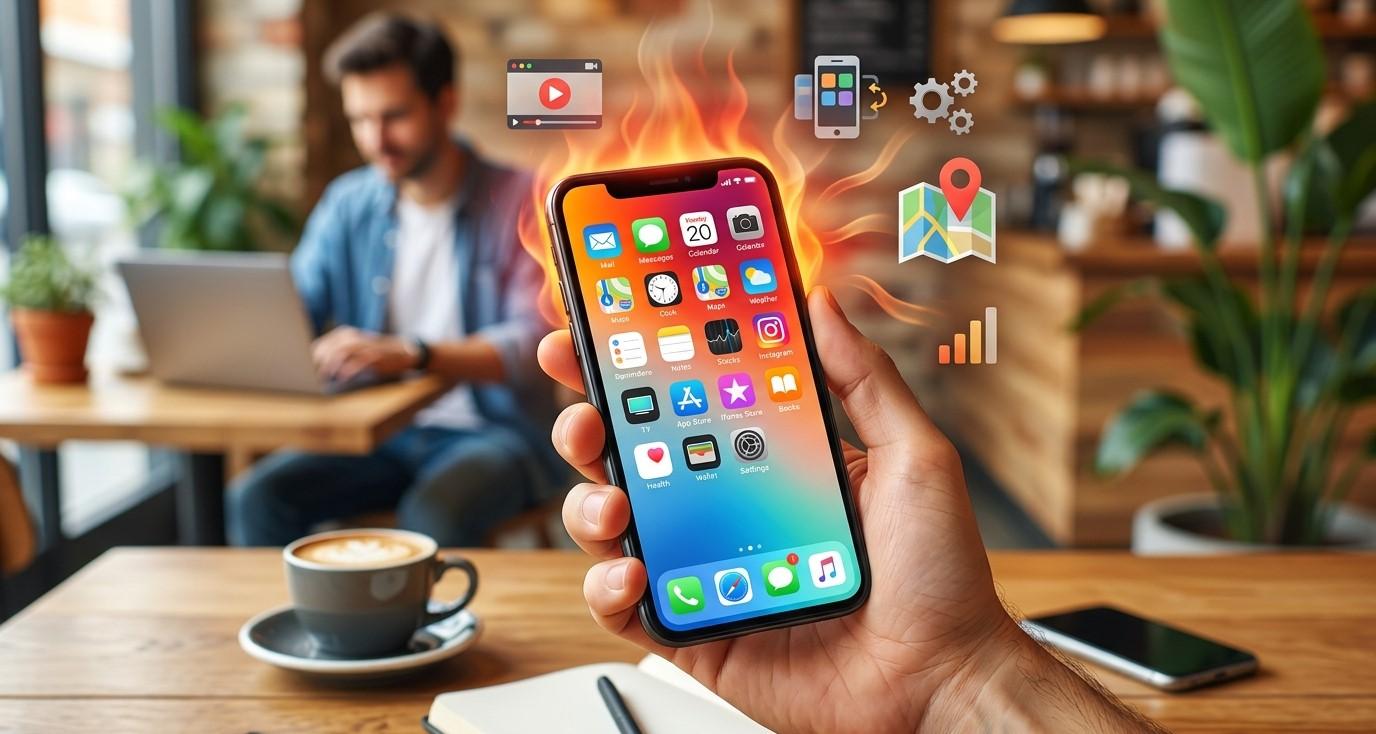
An iPhone can become warm during demanding activities, but noticeable or excessive heat during normal use can be a warning sign. Whether your phone gets hot while browsing the internet, making calls, checking social media, charging, or sitting in your pocket, understanding the cause can help you protect the battery and other internal components.
Some warmth is completely normal because electronic components generate heat while operating. However, an iPhone that frequently becomes unusually hot may be dealing with intensive background activity, poor network coverage, software problems, charging issues, an aging battery, or internal hardware damage.
If your iPhone consistently overheats despite basic troubleshooting, professional iPhone repair Brooklyn NY can help identify the underlying problem. Avenue D Cellular provides professional iPhone diagnostics and repair services, including battery replacement, charging repairs, display service, and iPhone screen repair Brooklyn.
How Much Heat Is Normal for an iPhone?
It's normal for an iPhone to become somewhat warm during certain activities.
For example, your phone may warm up when you:
- Stream high-quality video
- Play demanding games
- Use navigation
- Record long videos
- Download large files
- Install software updates
- Charge the battery
The concern is when the device becomes unusually hot during light use or remains hot for an extended period.
If the phone displays a temperature warning, becomes uncomfortable to hold, or repeatedly shuts down because of heat, you should stop demanding activities and allow the device to cool.
1. Background Applications
One common cause of overheating is an application performing intensive work in the background.
Some applications may continue refreshing information, synchronizing files, using location services, or processing data even when you aren't actively using them.
Check your battery usage information to identify applications consuming unusually high amounts of power.
If one application consistently uses significant resources, update it or investigate whether its settings can be adjusted.
2. Poor Cellular Signal
Your iPhone may work harder to maintain a cellular connection when you're in an area with weak reception.
This can increase power consumption and generate additional heat.
You may notice this in:
- Basements
- Underground areas
- Rural locations
- Buildings with thick walls
- Areas with limited network coverage
If the phone becomes cooler when connected to a reliable Wi-Fi network or moved to an area with stronger reception, cellular signal strength may be contributing to the problem.
3. Charging Generates Heat
Charging naturally produces some heat.
However, excessive heat while charging shouldn't be ignored.
A phone may become warmer when using fast charging or when performing demanding activities while connected to power.
Avoid placing the iPhone under blankets, pillows, or other materials that trap heat while charging.
If the phone becomes extremely hot during ordinary charging, try a reliable compatible charger and cable.
If the problem continues, the battery, charging port, or another internal component may require inspection.
4. An Aging Battery
As an iPhone battery ages, its performance and ability to hold a charge naturally decline.
An aging battery may contribute to:
- Faster battery drain
- Unexpected shutdowns
- Longer charging times
- Increased heat
- Reduced performance
If overheating occurs alongside severe battery drain, checking battery condition is a good idea.
A professional technician can determine whether battery replacement is appropriate.
5. Software Updates and Background Processing
After an iOS update, your iPhone may temporarily perform additional background tasks.
For example, the device may process files, organize photos, synchronize information, or complete other system activities.
During this period, the phone may use more power and become warmer than usual.
Temporary warmth may decrease after the background processes are completed.
If overheating continues for an extended period after an update, investigate other possible causes.
6. Direct Sunlight and Hot Environments
Environmental temperature has a major effect on your iPhone.
Leaving the phone in direct sunlight, inside a hot vehicle, or near a heat source can cause its internal temperature to rise quickly.
Avoid using or storing your iPhone in extremely hot environments.
If your phone becomes hot because of its surroundings, move it to a cooler location and allow it to return to a normal temperature naturally.
Avoid extreme cooling methods that could cause condensation.
7. Demanding Applications
Gaming, video editing, augmented reality, high-resolution recording, and other intensive activities can place significant demands on the processor and graphics system.
Heat during these activities is generally expected.
However, if the phone becomes extremely hot during simple activities such as sending messages or browsing basic websites, another problem may be involved.
Close unnecessary demanding applications and see whether the temperature returns to normal.
8. Case-Related Heat
A protective case can sometimes trap heat around the phone.
This doesn't mean you should stop using a case, but if your iPhone becomes unusually warm, temporarily remove the case and observe whether the temperature improves.
This can help determine whether heat is being trapped around the device.
Avoid using the phone under materials that prevent proper heat dissipation.
9. Charging Accessories
Low-quality or damaged charging accessories may contribute to charging and heat problems.
Inspect your charging cable and adapter for signs of damage.
Look for:
- Fraying
- Cracks
- Bent connectors
- Discoloration
- Loose connections
- Unusual heat around the connector
If your iPhone gets hot while using one charger but behaves normally with another reliable compatible setup, the accessory may be contributing to the issue.
10. Internal Hardware Damage
If overheating started after your iPhone was dropped, exposed to liquid, or repaired incorrectly, internal hardware damage may be responsible.
A damaged component can sometimes consume excessive power and generate abnormal heat.
Other symptoms may include:
- Random restarts
- Battery drain
- Charging problems
- Screen issues
- Camera problems
- Wi-Fi or Bluetooth failures
- Speaker or microphone problems
If several symptoms appeared after an accident, professional iPhone repair Brooklyn NY is recommended.
What Should You Do When Your iPhone Gets Too Hot?
If your iPhone becomes unusually hot, stop demanding activities and move it away from direct sunlight or other heat sources.
Disconnect the charger if charging appears to be contributing to the heat.
Allow the device to cool naturally.
Don't place a hot iPhone in a freezer or use extreme cooling methods.
If the phone displays a temperature warning, follow the instructions shown on the screen and wait until it returns to a safe operating temperature.
If overheating happens repeatedly, don't ignore it.
When Should You Get Professional iPhone Repair?
Professional inspection may be appropriate if your iPhone:
- Overheats during light use
- Gets extremely hot while charging
- Experiences rapid battery drain
- Shuts down unexpectedly
- Restarts repeatedly
- Was recently dropped
- Was exposed to liquid
- Has charging problems
- Has multiple hardware issues
A technician can inspect the battery, charging system, and other components to determine the source of the heat.
If your iPhone also has a damaged display, professional iPhone screen repair Brooklyn may be needed.
How to Prevent iPhone Overheating
Several simple habits can help reduce unnecessary heat.
Keep your iPhone away from direct sunlight and extreme temperatures. Use reliable charging accessories and avoid intensive activities while charging when possible.
Keep applications and iOS appropriately updated. Close or investigate applications that consume unusually large amounts of battery.
Don't cover the phone with blankets or other materials while it's operating or charging.
Protecting the device from drops and liquid exposure can also reduce the risk of internal hardware problems.
Why Choose Avenue D Cellular?
If you're searching for reliable iPhone repair Brooklyn NY, Avenue D Cellular provides professional diagnostic and repair services for common iPhone problems.
Services can include:
- Battery diagnostics and replacement
- Charging port repair
- Overheating troubleshooting
- Screen replacement
- iPhone screen repair Brooklyn
- Camera diagnostics
- Speaker and microphone repair
- General hardware inspection
Professional evaluation can help determine whether overheating is caused by battery condition, charging components, software activity, or internal hardware damage.
Final Thoughts
Some iPhone warmth is normal, especially during gaming, video streaming, navigation, charging, and other demanding activities. However, frequent or excessive overheating during ordinary use should not be ignored.
Background applications, poor cellular reception, charging accessories, an aging battery, software activity, environmental heat, and internal hardware problems can all contribute to excessive temperature.
Start by moving the device away from heat, stopping demanding activities, checking charging accessories, and reviewing battery usage. If the iPhone repeatedly becomes unusually hot or develops other problems, professional diagnosis is the safest next step.
For dependable iPhone repair Brooklyn NY, Avenue D Cellular provides professional diagnostics and repair services for batteries, charging systems, displays, and other iPhone components. Whether you're dealing with overheating or need iPhone screen repair Brooklyn, addressing persistent problems early can help protect your device and extend its useful life.

 English
 Arabic
 French
 Portuguese
 Deutsch
 Turkish
 Dutch
Dutch
 Italiano
 Russian
 Romaian
 Portuguese (Brazil)
 Greek
Greek
 ไทย
ไทย