
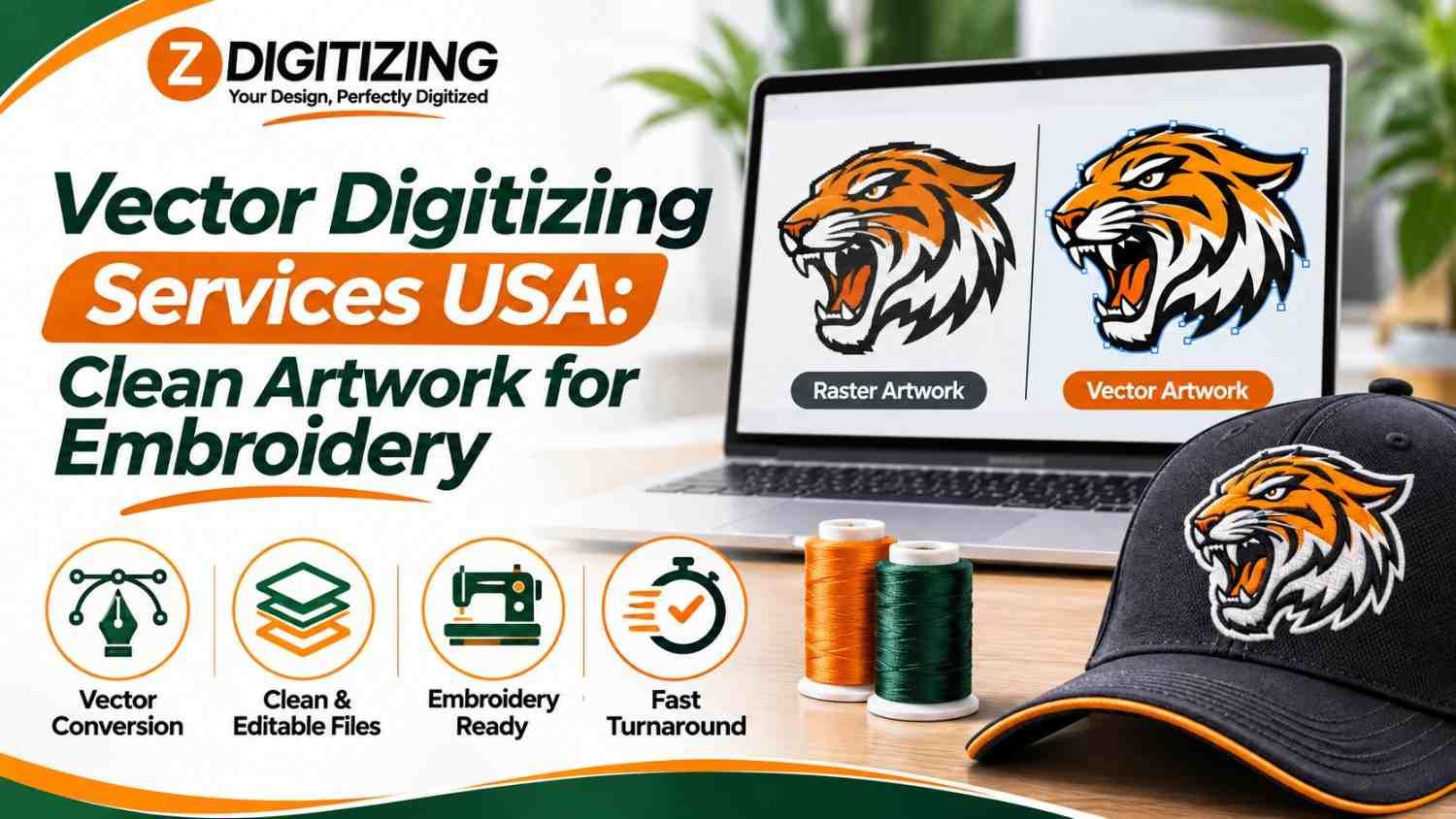
A blurry logo makes every later step harder, from printing to embroidery. A vector file fixes that at the source, because it keeps sharp edges at any size. Our Professional Vector Digitizing Services USA rebuild low-quality artwork as clean vector files, so your design is ready for the next step.
This guide explains how vector digitizing services USA work, why vector artwork matters for embroidery, and what to send before you order.
What Are Vector Digitizing Services USA Buyers Order?
Vector digitizing services USA buyers order turn a flat, pixel-based image into a clean vector file. A digitizer redraws the shapes, lines, and colors of a logo as editable paths, so the artwork stays sharp at any size.
Common vector formats include AI, EPS, SVG, and PDF. Unlike a JPG or PNG, a vector file does not lose quality when you enlarge or shrink it.
Raster vs Vector: What Is the Difference?
|
Feature |
Raster (JPG, PNG) |
Vector (AI, EPS, SVG, PDF) |
|
Built from |
Pixels |
Paths and shapes |
|
Enlarging |
Edges blur |
Edges stay sharp |
|
Colors |
Mixed and blended |
Separate, editable |
|
Editing |
Hard to change shapes |
Easy to adjust |
|
Best use |
Photos, screen images |
Logos, print, embroidery prep |
Why Does Embroidery Need Vector Artwork?
An embroidery machine cannot sew a picture, so a digitizer rebuilds your artwork in thread. Clean source artwork makes that rebuild easier.
-
Sharp edges: The digitizer can see exactly where each shape begins and ends.
-
Separate colors: Distinct color areas map cleanly to thread colors.
-
Scalable size: One vector file can serve a left chest logo, a cap, and a jacket back.
-
Less guesswork: Blurry edges force the digitizer to guess, and guesses can produce uneven outlines.
A vector file is not an embroidery file. It is a better starting point for one.
How Does Vector Conversion Work?
Turning a raster image into a vector follows a clear sequence:
-
Review the image: The digitizer checks resolution, edges, colors, and detail.
-
Trace or redraw shapes: Each shape in the logo is rebuilt as a vector path.
-
Clean the paths: Extra points, wobbly lines, and stray marks are removed.
-
Separate and set colors: Each color area becomes its own editable fill.
-
Export the file: The finished artwork is saved in a vector format.
Auto-Trace vs Manual Redraw
Auto-trace software converts an image into paths in seconds. It works best on bold, simple shapes, but it often leaves rough edges, extra points, and merged colors on detailed or blurry images.
A manual redraw takes longer, but it lets the digitizer fix small text, straighten curves, and keep colors clean. For logos that will be embroidered, clean shapes matter, so a manual review still helps.
What Makes Artwork Hard to Vectorize?
-
Low resolution: Small images hide edges and detail.
-
Gradients and shading: These need a decision about where one color stops and another starts.
-
Tiny text: Very small letters can be unreadable once enlarged.
-
Messy backgrounds: Noise and compression marks can look like part of the design.
Send the best version you have, and we will tell you what needs attention.
How Our Process Works
At ZDigitizing, we follow a clear process for every vector job:
-
You send your artwork. Include the logo, the intended use, and any size needs.
-
We review the image. We check for thin lines, gradients, small text, and details that may need cleanup.
-
We rebuild the artwork as vector. We redraw shapes and set clean, separate colors.
-
You receive the vector file. We deliver it in the format you ask for.
Our Professional Vector Digitizing Services USA follow these steps so each file is ready for its next use, including embroidery.
From Vector to Embroidery
Once artwork is clean, it can go straight into stitch file creation. These services cover the next step:
-
Embroidery file creation: Our convert image to embroidery file service and our embroidery digitizing service build stitch files from your artwork.
-
Logos and placements: Our logo digitizing, left chest logo digitizing, cap logo digitizing, and hat digitizing services cover common placements.
-
Large and narrow areas: Our jacket back digitizing and back and sleeve digitizing services handle big backs and sleeves.
-
Raised and fabric looks: Our 3D puff embroidery digitizing, applique digitizing, and patch digitizing services build files for those styles.
What Should You Send With Your Order?
-
The best version of your artwork, such as a clear PNG, a high-resolution JPG, or an existing vector file
-
The intended use, such as embroidery, print, or signage
-
The finished size, if you know it
-
Exact colors or Pantone references, if you have them
-
The vector format you need, such as AI, EPS, SVG, or PDF
Which File Formats Should You Expect?
Common vector formats include:
-
AI: Native Adobe Illustrator format
-
EPS: Widely supported for print and design work
-
SVG: Common for web use and many design tools
-
PDF: Can hold vector artwork and opens almost anywhere
Embroidery machines read stitch formats such as DST, PES, EXP, and JEF, which are a separate step from vector artwork. Tell us the format you need, so the file works with your software.
Are Vector Digitizing Services USA Orders Worth It?
Vector digitizing services USA orders pay off when a logo will be used in several places, such as apparel, print, and signage. One clean vector file saves repeated cleanup, keeps the logo consistent, and gives embroidery digitizers clear shapes to work from. If you only have a low-resolution image, a vector rebuild is often the fastest way to protect your brand artwork.
Start With Artwork That Holds Up
Every later step goes better when the source file is clean. At ZDigitizing, we rebuild your artwork around how you plan to use it. Our vector digitizing services USA focus on clean shapes, separate colors, and files that open in your design software.
If your logo is ready for cleanup, send it to us with the intended use, and we will help you decide what to adjust before it reaches production.
FAQs
What are vector digitizing services?
Vector digitizing services convert a pixel-based image, such as a JPG or PNG, into a clean vector file. A digitizer redraws the shapes and colors as editable paths, so the artwork stays sharp at any size.
Is a vector file the same as an embroidery file?
No. A vector file stores shapes and colors for design and print. An embroidery file stores stitch instructions for a machine. Clean vector artwork makes embroidery digitizing easier, but it is a separate step.
Can you convert a low-resolution logo to vector?
In most cases, yes, but very blurry images may need extra cleanup. A digitizer can redraw shapes by hand to fix edges and small text. Send the best version you have, and we will tell you what needs attention.
Which vector file format should I ask for?
Choose the format your software uses. AI, EPS, SVG, and PDF are common choices. If you are unsure, tell us the intended use. Our Professional Vector Digitizing Services USA can suggest a suitable format.
Why does embroidery need clean artwork?
A digitizer rebuilds your logo in thread, so clear shapes and separate colors make the job more accurate. Blurry edges, gradients, and tiny text can lead to uneven outlines or unreadable detail in the stitched result.


