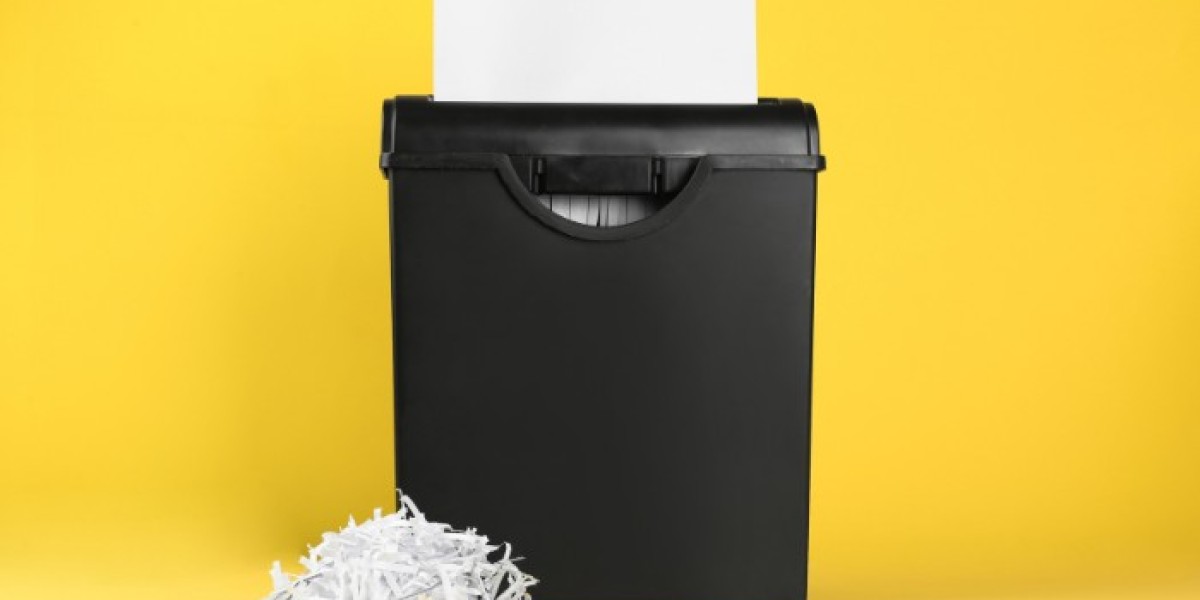
A paper shredder is an essential tool for safeguarding sensitive information, whether at home or in the office. From personal documents to confidential business files, a reliable document shredder machine ensures that your data remains secure. However, like any mechanical device, your paper shredder requires regular maintenance to perform efficiently and last longer. In this guide, we’ll explain how to safely clean and maintain your paper shredder machine for office use, while highlighting the benefits of using Pacific International shredders.
Why Proper Maintenance Matters
Using a paper shredder without regular care can lead to paper jams, reduced performance, and even permanent damage. Office environments, in particular, demand machines that can handle frequent use, which is why investing in a high-quality paper shredder machine for office use is crucial. Regular maintenance not only prolongs the life of your shredder but also ensures that it operates safely and efficiently.
How to Safely Clean Your Paper Shredder
Cleaning your document shredder machine is an essential step to prevent dust, debris, and paper buildup that can affect its performance. Here’s how to do it safely:
- Turn Off and Unplug: Always switch off your shredder and unplug it from the power source before cleaning. This prevents accidental activation, protecting both you and the machine’s blades.
- Avoid Removing Non-Removable Parts: Only remove covers or panels that are designed to be detached. For most shredders, the top cover can be removed safely once the machine is unplugged.
- Clean the Blades: Use a dry, lint-free cloth or paper towel to gently wipe the blades. This removes dust, paper residue, and minor ink smudges. Avoid spray cleaners, which can be hazardous. For stubborn stains, lightly dampen a cloth with rubbing alcohol and wipe carefully. Ensure the shredder is completely dry before turning it back on.
- Regular Dusting: For shredders used in busy offices, a light dusting once a month is recommended. Keeping your paper shredder machine for office use free of debris helps prevent jams and extends the machine’s life.
How to Deal With Paper Jams
Even the best document shredder machines can experience jams, especially during heavy use. Here’s how to safely resolve them:
- Use the Reverse Function: Many modern shredders, including Pacific International models, feature a reverse function that helps clear stuck paper. Press and hold the reverse button for a few seconds, then try moving forward. Repeat cautiously until the paper clears.
- Manual Removal: If your shredder does not have a reverse function, unplug the machine and carefully remove the jammed paper. You may use tweezers or pliers for precision. Applying a small amount of shredder oil to the blades can also help loosen stuck paper.
- Check the Bin and Cool Down: After clearing a jam, empty the bin and allow the machine to cool. Overheating can damage internal components, so it’s important to let the shredder rest before resuming use.
est Practices to Maintain Your Paper Shredder
Maintaining your paper shredder machine for office use ensures smooth operation and reduces the likelihood of jams or damage. Here are some key tips:
1. Oil the Blades Regularly
Lubricating the blades keeps them sharp and prevents friction damage. You can use shredder oil or oil sheets specifically designed for document shredder machines. Run the blades in reverse for a few seconds to distribute the oil evenly, then feed one sheet of paper to remove excess oil. Avoid aerosol oils, which can be a fire hazard.
2. Don’t Overload the Shredder
Always adhere to the manufacturer’s maximum sheet capacity. Overloading your paper shredder can cause jams or motor damage. For heavy-duty shredders used in offices, check the specifications carefully.
3. Shred Only Approved Materials
Some shredders can handle credit cards, CDs, and staples, while others are designed for paper only. Using your document shredder machine for inappropriate materials can damage the blades and compromise safety. Check the user manual for guidance.
4. Allow Cool-Down Time
Continuous shredding can cause overheating. Most machines, including Pacific International shredders, have a recommended maximum run time. After reaching this limit, allow the shredder to cool completely to avoid motor burnout.
5. Register Your Warranty
Registering your paper shredder machine for office use with the manufacturer ensures access to support and warranty coverage. Pacific International offers extended warranty options when you register your shredder, providing peace of mind for office or home use.
Why Choose Pacific International Paper Shredders
Pacific International is a trusted brand known for durable and efficient document shredder machines. Whether you need a compact model for home use or a heavy-duty paper shredder machine for office use, Pacific International shredders come with features like:
- Anti-jam technology
- Reverse function for clearing jams
- Overheat protection
- Easy cleaning and maintenance
Investing in a high-quality shredder from a reliable brand ensures your sensitive information is protected while minimizing maintenance hassles.
Conclusion
A paper shredder is more than just an office tool—it’s a critical device for protecting personal and business information. By following simple cleaning routines, properly oiling the blades, avoiding overloads, and adhering to manufacturer guidelines, you can keep your document shredder machine running smoothly for years.
For reliable performance and advanced features, Pacific International offers a range of shredders suitable for both home and office use. Regular maintenance and responsible usage will ensure that your shredder remains safe, efficient, and long-lasting.